AI assistant
Ask. It plans N posts across your dates.
Describe your campaign — the assistant spreads posts across the calendar while following your anti-spam rules.
The social media planner for Mac that runs all your brands: AI generates copy, visuals and motion design videos, you approve, and SociaFlow auto-publishes to Instagram, Facebook, LinkedIn, X and TikTok.
Free · 1 project included · No card



Publish wherever your customers are
Multi-brand social media management software built like a pro tool: fast, beautiful, and it takes the repetitive work off your plate.
Describe your campaign — the assistant spreads posts across the calendar while following your anti-spam rules.
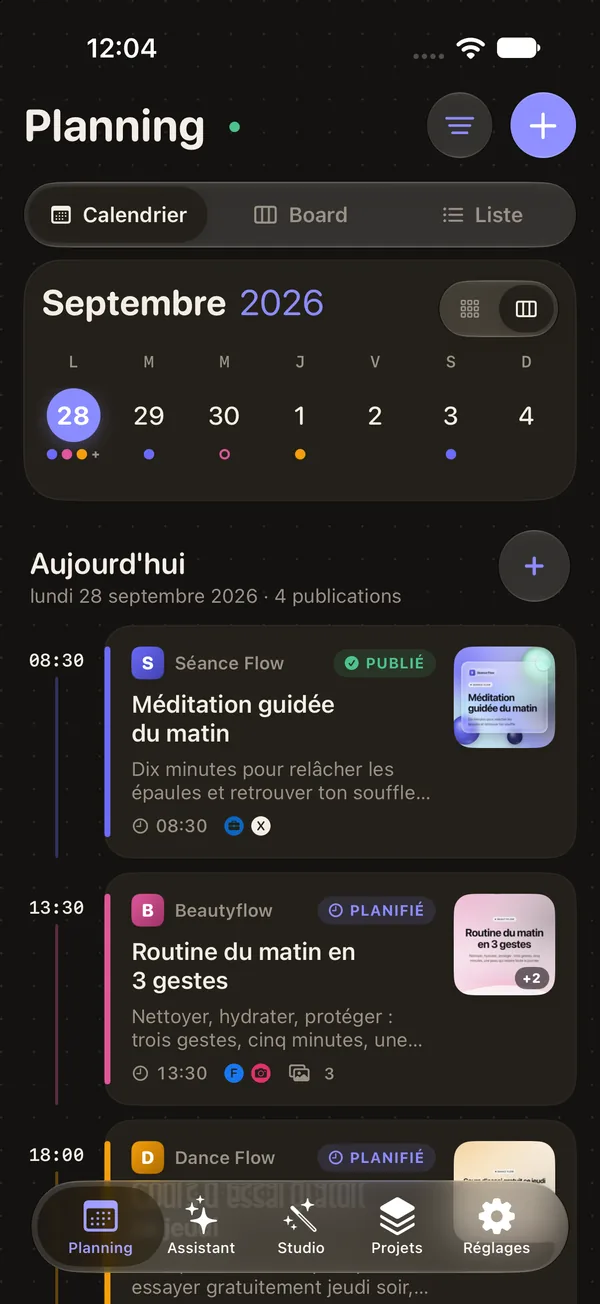
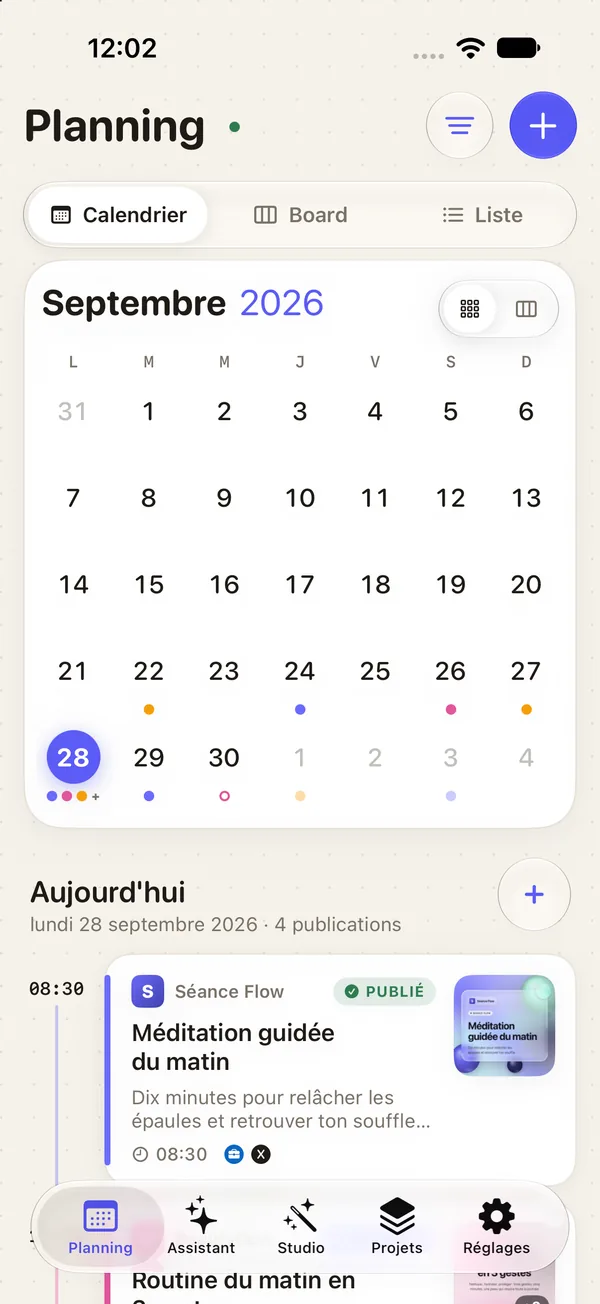
Drag and drop a post to reschedule it. Everything follows.
Colors, typography, tone: each brand gets its own design system, applied to every visual.
No Remotion, no Node, no server. A 100% native engine exporting 9:16, 1:1 and 16:9.
Separate accounts, brand kit and calendar. Zero mix-ups.
Scheduled posts go out on time, through the SociaFlow cloud.
Light, dark, fluid animations. A real Mac app.
Pick a template, AI writes the copy, your brand kit styles everything. The motion design engine runs right on your Mac: instant preview, export in seconds.
1:1 · Feed 16:9 · LinkedIn
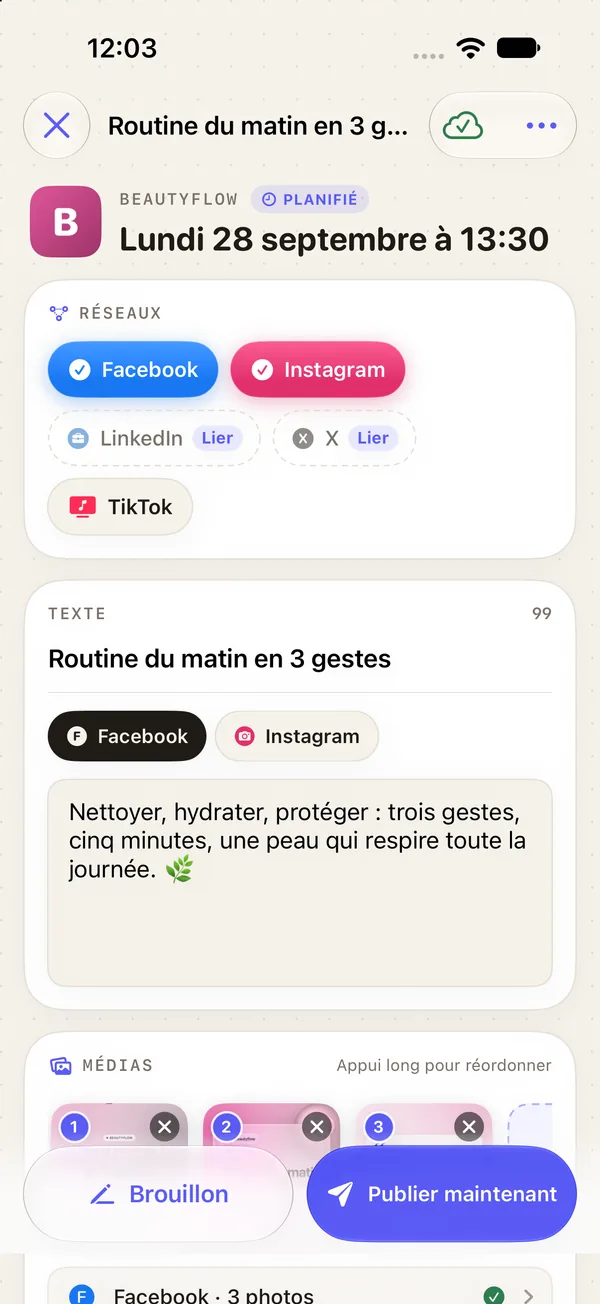
SociaFlow for iPhone and iPad is now on the App Store. Same account, same schedule: everything you plan on your Mac is already there.
One brand = one project. Import your logo or website URL: SociaFlow extracts colors and typography.
“12 posts for October, max 1 per day.” It writes, generates visuals and videos, and fills the calendar.
Tweak if you like, then let it run: auto-publishing to your networks, even with your Mac off.
No provider lock-in. Your own key, Apple Intelligence or SociaFlow AI: you choose, and you can switch anytime.
Plug in your own Anthropic (Claude), OpenAI (ChatGPT) or Google (Gemini) API key. Pay the provider’s real price, often just a few cents a month, with no hidden markup, and switch models whenever you want.
No key? Use Apple’s model right on your Mac. Free, offline, and your content never leaves your machine.
Download SociaFlow with no card and use it for free, with no time limit. Go Pro once, or let SociaFlow AI handle everything.
Everything you need to run one brand, for nothing.
No credit card
Pay once, yours forever.
Mac · iPhone · iPad
Upgrade to Pro in the app, whenever you like
AI hosted by SociaFlow. Nothing to set up.
No commitment, cancel anytime.
Subscribe in the app, cancel anytime
All three work in the assistant and the Studio. Switch anytime.
Free
Runs on your device. Private, offline, no key.
A few cents a month
You pay the provider directly, at their real price. No markup from us.
€12.99 a month
Zero setup. 200 requests and 25 visuals a month, Pro included.
Already subscribed or have a lifetime license? Nothing changes: you keep everything, on the same terms.
Yes. Download SociaFlow for free, no card needed, and the Free plan has no time limit: 1 project, every network, cloud publishing, plus the assistant and Studio with Apple Intelligence or your own key. Pro (€29.99, one-time) unlocks unlimited projects.
No. Apple Intelligence is free and runs on your device. You can also plug in your own Claude, ChatGPT or Gemini key and pay the provider for what you use. And if you’d rather not set anything up, SociaFlow AI handles it all for €12.99 a month, Pro included.
It’s the cheapest option: you pay Anthropic, OpenAI or Google directly at their real price, with no markup from us, and you pick your model. Your key stays on your devices. Create one in a few minutes in the provider’s console, then paste it into SociaFlow’s settings.
The key itself is free: you only pay for what you use. For typical SociaFlow use, expect anywhere from a few cents to a few euros a month, depending on the model and how many requests you make. AI visuals cost a bit more than text. Some providers ask you to preload a few euros of credit, and you can set a spending limit in their console.
You keep everything until the end of the period you paid for. After that, you’re back on Free, or you stay on Pro if you bought it. Your projects and posts aren’t deleted, and you can keep going with Apple Intelligence or your own key.
Yes. Pro is tied to your SociaFlow account: buy it once, on Mac or iPhone, and it’s active on your Macs (up to 2), your iPhone and your iPad. SociaFlow AI works the same way.
Nothing changes. Monthly or yearly subscriptions and lifetime licenses you already bought stay valid on the same terms, with everything they include. You don’t need to do anything.
No. SociaFlow runs on iPhone and iPad (iOS 26 or later) and on Mac (macOS 26 or later). Use the iPhone and iPad app on its own or alongside the Mac app: same account, everything stays in sync. From iPhone and iPad, your posts are published through the SociaFlow cloud.
Yes, it’s available now on the App Store. It uses the same account as the Mac app: projects, design systems and posts sync in real time. You can plan, dictate requests to the assistant, create visuals in the Studio and get a notification every time a post goes out.
Yes, even on the Free plan. Scheduled posts are handed to the SociaFlow cloud, which publishes them on time even if your Mac is off or asleep.
Facebook, Instagram, LinkedIn, X and TikTok (videos published through the cloud), even on the Free plan. Connect your accounts once per brand, and SociaFlow handles the rest.
Yes, that’s the heart of SociaFlow: one project per brand, with its own accounts, design system (colors, typography, tone) and calendar. The Free plan includes 1 project; Pro and SociaFlow AI have no limit.
Yes: if SociaFlow isn’t for you, get a full refund within 14 days of purchase, no questions asked. For App Store purchases, request the refund from Apple.
Personal data, account deletion: Privacy
Download SociaFlow for free, no card needed. Your first project is free forever, and you can upgrade to Pro from the app whenever you like.
Free · 1 project included · No card